One USB-C cable to a Dabao
benchlink holds a Dabao and gives your computer its power, reset, PROG and console. A script or a coding agent can flash it and read its boot log from the first byte, with no hand on the board.
- Console
- 1,000,000 baud
- Pins
- 32 broken out
- Board
- 95 × 66 mm
- Bridge
- RP2350A
One cable in, six lines out
Your computer sees two serial ports: one to control the board, one for the Dabao's console. The board's RP2350A turns them into the lines below. RUN, PC13 and ON are only ever pulled low, so nothing on the board can short or back-feed the Dabao.
Computercontrol port
console port
console port
benchlinkRP2350A
- PB13 PB14Dabao pin 16 15Console at 1,000,000 baud, kept while no program reads it
- RUNDabao pin 30Reset
- PC13Dabao pin 1PROG, for boot1
- ONDabao pin 37Both regulators off and on
- VSYSDabao pin 39Current-limited 5 V feed, current and voltage monitored
- 3V3Dabao pin 36Read back as the Dabao's 3.3 V rail
DabaoBaochip-1x
What the board does
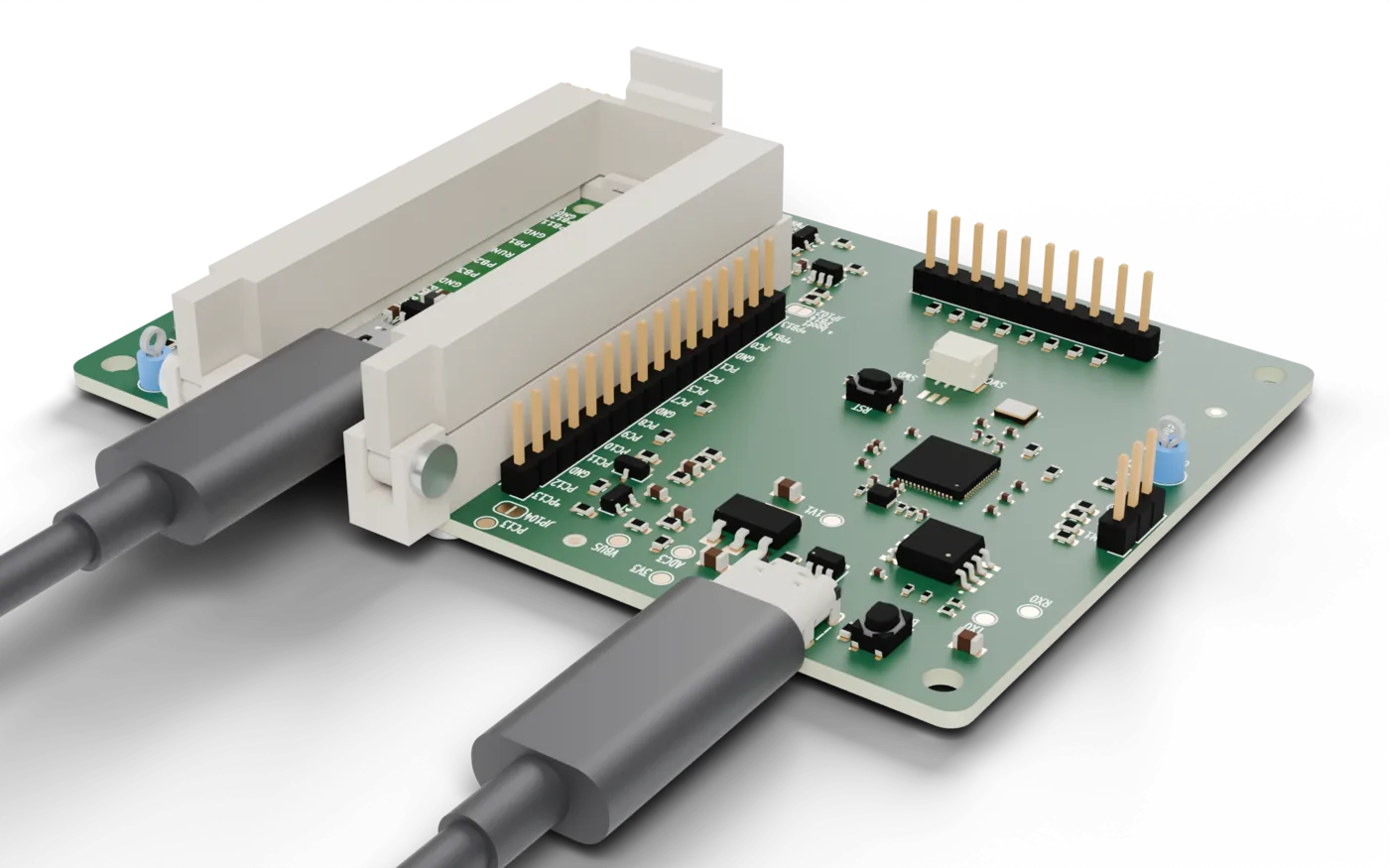
- Holds the Dabao without solder
- Spring probes and a printed cradle for a bare Dabao, or low-insertion-force sockets for one with headers.
- Console at 1,000,000 baud
- One serial port on the host that stays open across resets and power cycles. Output is kept until a program opens the port.
- Reset, PROG and power
- RUN, PC13 and ON are driven by the board, so getting into boot1 or power cycling needs no buttons.
- Flashing over the console
- Whole Xous images go through the UART, each block confirmed. Images already on the board are skipped.
- A power feed with a monitor
- A current-limited 5 V feed into VSYS, with a current and voltage monitor on it.
- Every pin broken out
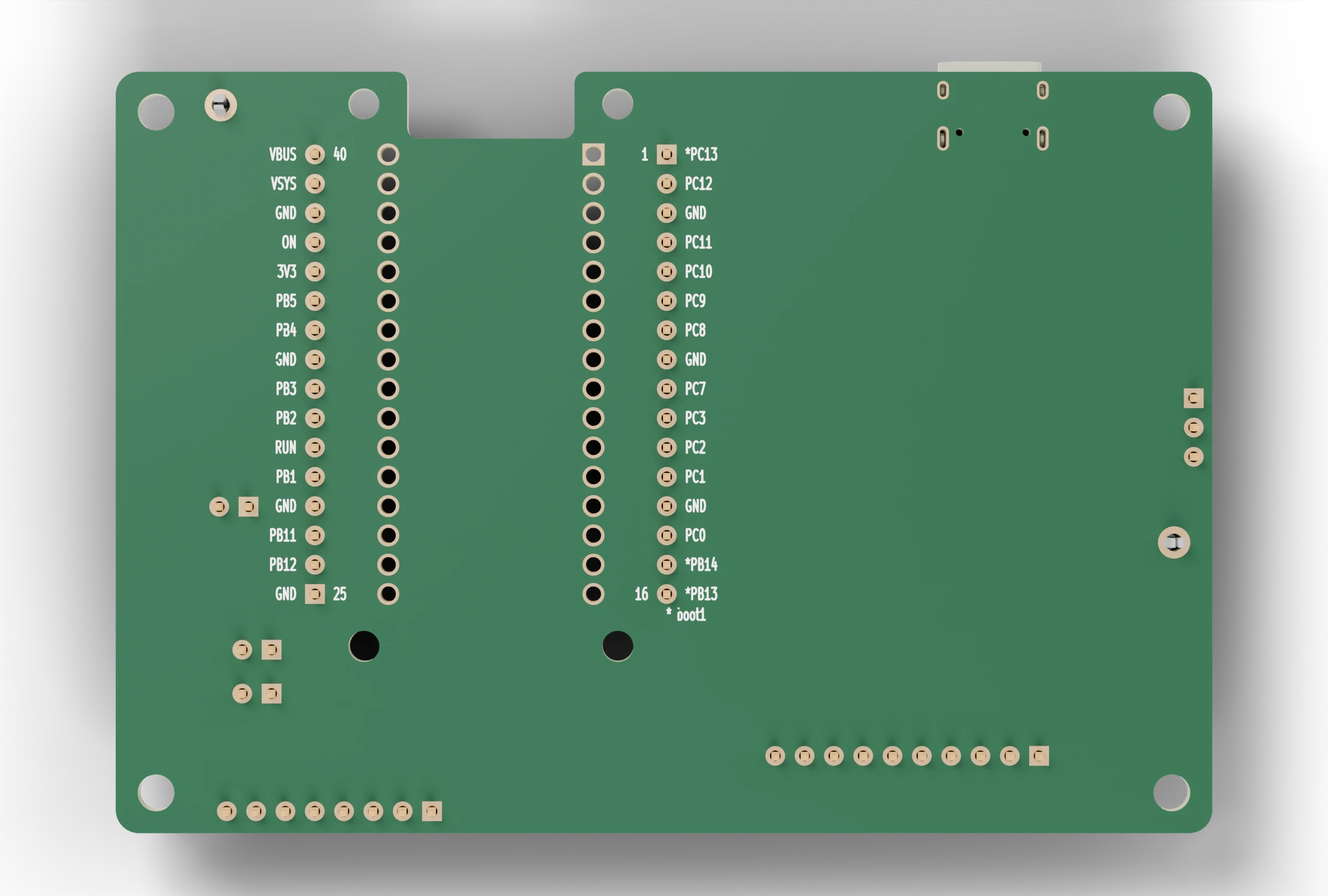
- All 32 Dabao pins, labelled on both faces, an I2C connector on the Dabao's PB11 and PB12, and an 8-pin link port. The board's own RP2350 adds eight spare GPIO.
- Safe for the Dabao
- Nothing on the board can short or back-feed the Dabao, even with faulty firmware.
Two builds, one site
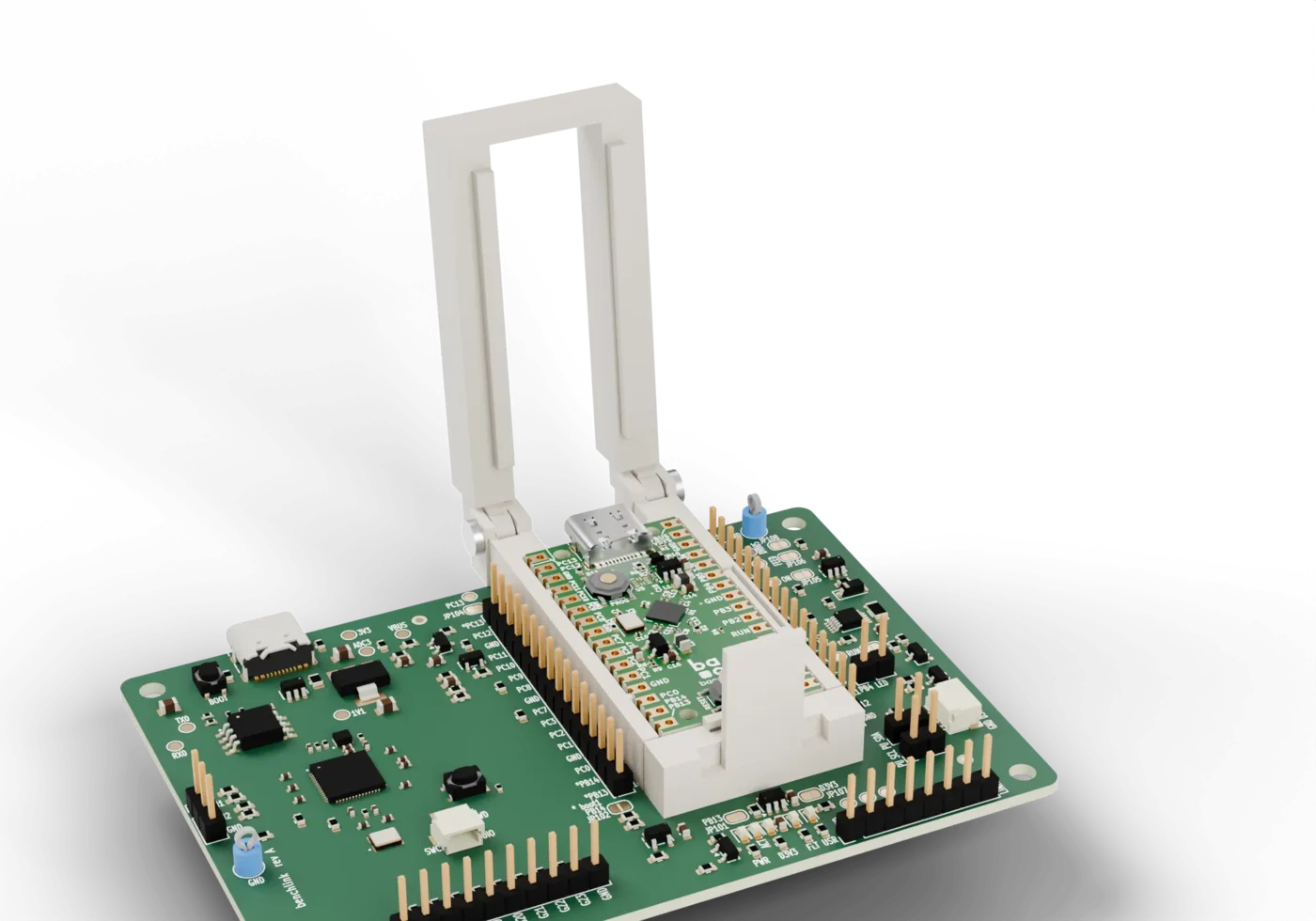
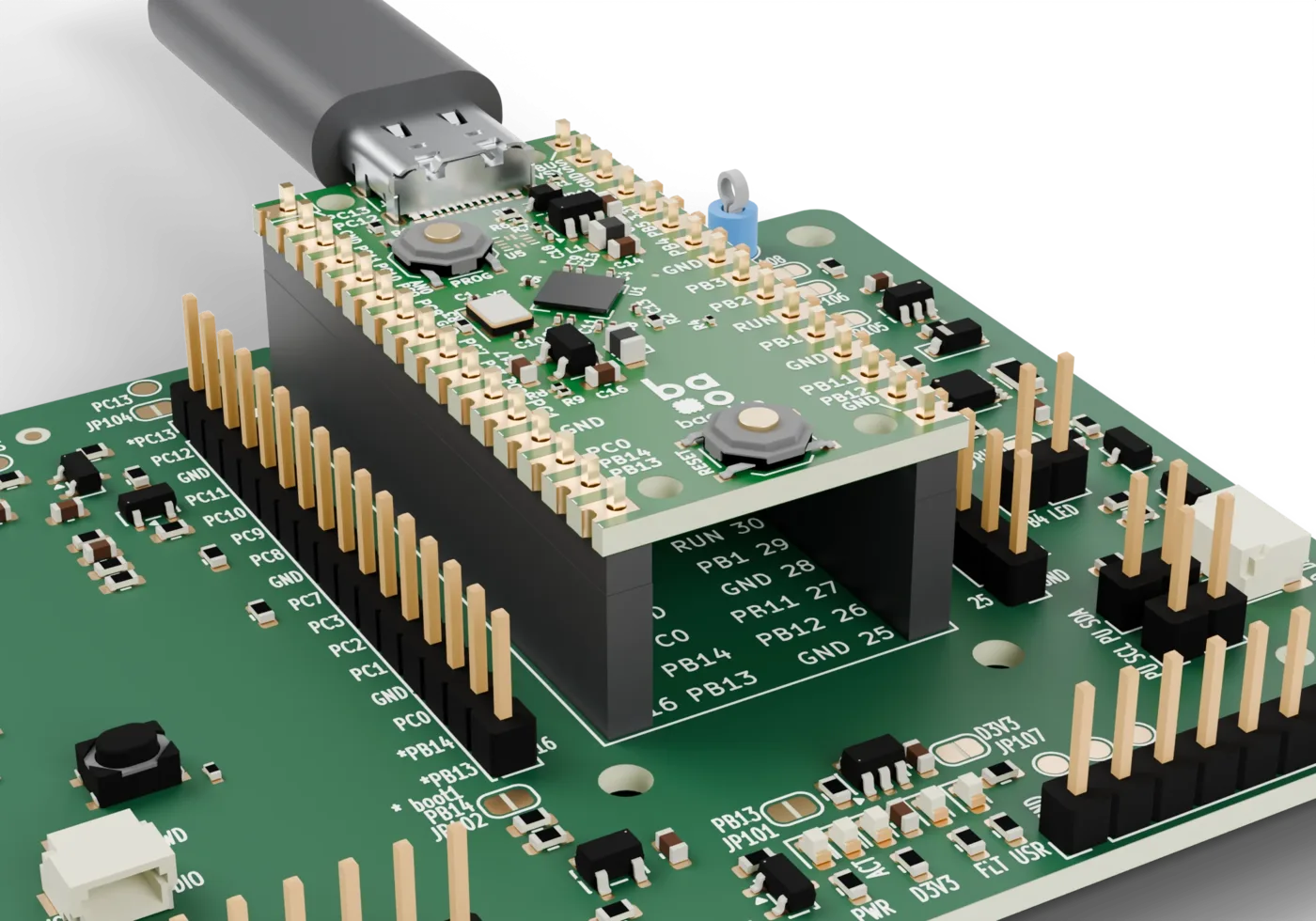
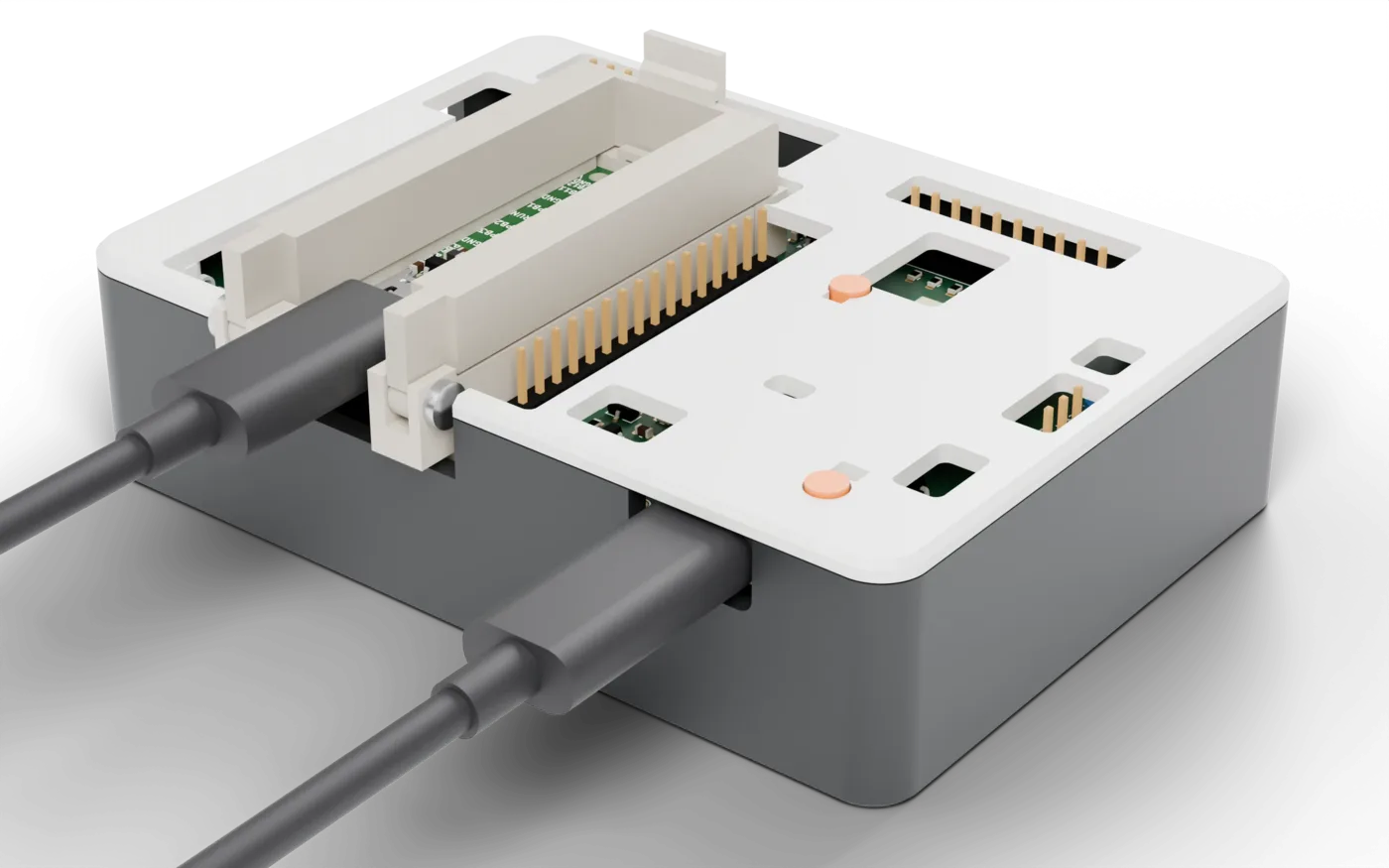
Made for scripts and agents
Every command answers with one line. A test loop, a CI job or a coding agent can drive a Dabao unattended.
The agent skill teaches a coding agent to power, reset, flash and read a Dabao on the board. Each sheet of this wiki is also plain Markdown, listed in llms.txt.
$ benchlink flash --uart loader.uf2 xous.uf2 apps.uf2
$ benchlink reset
$ benchlink console --log boot.txt
$ benchlink status
ok run=released prog=released power=on target=3312mV dropped=0 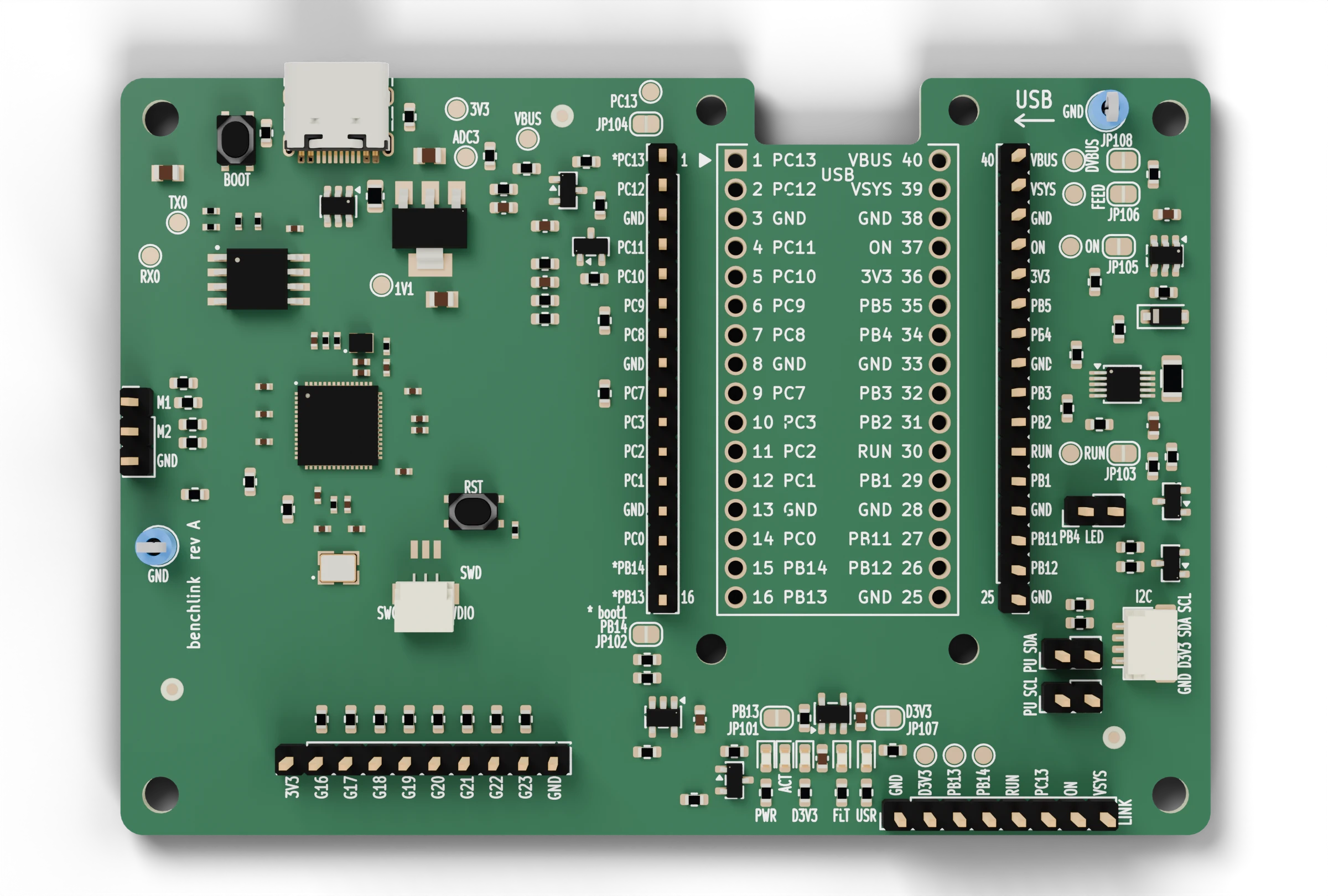
Sheet index
| Sheet | Title | Covers |
|---|---|---|
| 2 | The board | What is on the benchlink board, where it is, and how it connects to a Dabao. |
| 3 | The case | The printed case for the bench link board, with the cradle in its bay for a bare Dabao or a socket guide for a Dabao with pin headers, and how it goes together. |
| 4 | The cradle | The printed cradle that holds a bare Dabao on the board's spring probes, how it places the Dabao and holds it down, its heights, and how to fit it. |
| 5 | Getting started | Plug in the bench link, install the CLI, seat a Dabao and flash it with one cable. |
| 6 | Commands | Reference for the benchlink CLI and the text protocol of the board's control port. |
| 7 | Agent skills | The benchlink agent skill, which teaches a coding agent to power, reset, flash and read a Dabao on the bench link, and how to install and use it. |
| 8 | Firmware | What the firmware on the bench link does, and what it saves you compared with a USB-UART adapter and a hand on the buttons. |
| 9 | Printing the parts | Advanced. The files, material, print settings, screws and checks for printing the case, the cradle and the socket guide yourself, and how to build the files. |
| 10 | Build your own | Advanced. Build a bench link from a Raspberry Pi Pico 2 on a breadboard, wire it to a Dabao and load the firmware. |